
Short answer: SEO for a new website comes down to five jobs. Pick searches you can actually win. Write every page so people want to click it. Make sure Google can reach, read and load your site fast. Publish helpful content and earn trust slowly. Then measure, fix and stay patient. Below are the 25 tips I work through on every launch, grouped into those five jobs.
A brand-new website starts with nothing: no history, no backlinks, no trust. Google has never heard of you. That sounds bad, but it's also an opportunity. The foundations you lay in the first few weeks decide how quickly search engines can find, understand and recommend your pages, and getting them right at launch is far cheaper than fixing them a year later. After 20+ years and 1000+ sites launched, I can tell you that most "our SEO isn't working" problems I see trace back to something skipped in week one.
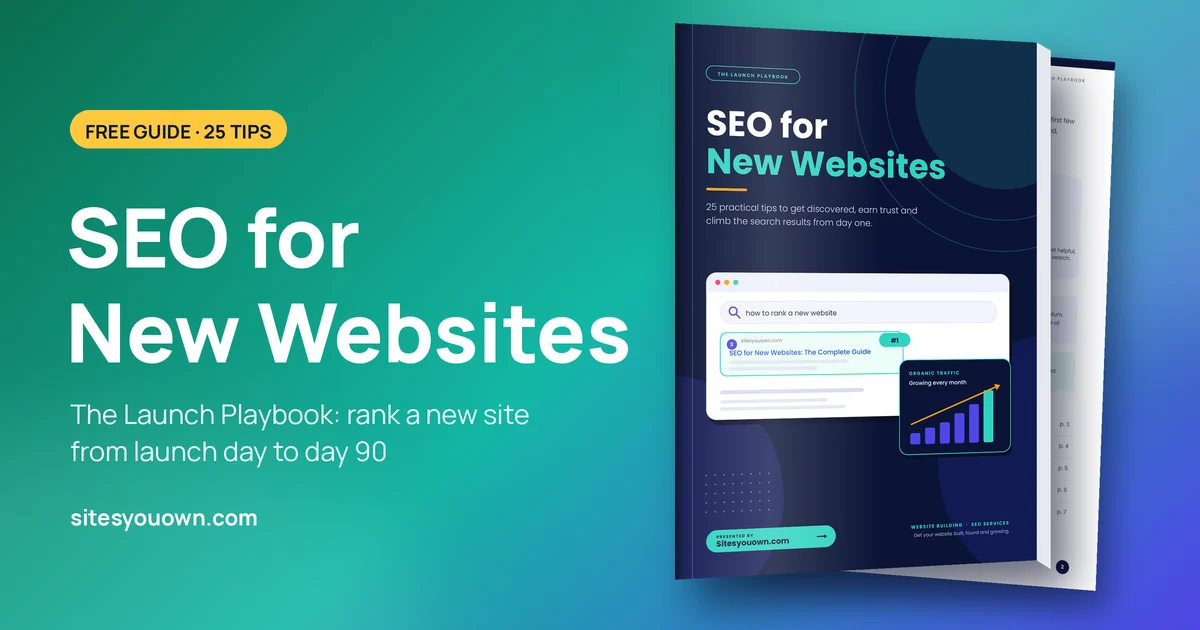
If you'd rather have it on paper, I've put all of this into a free 7-page PDF, The Launch Playbook: SEO for New Websites. Download it, print it, tick things off.
First, How Google Works (in Three Steps)
Every tip in this guide helps with at least one of these three stages:
- Crawl: Googlebot discovers your pages by following links and reading your sitemap.
- Index: Google reads your pages, works out what they're about and stores them.
- Rank: for each search, Google picks the results it thinks are most helpful and relevant.
If a page isn't crawled, it can't be indexed. If it isn't indexed, it can't rank. Keep that order in mind and SEO gets much less mysterious.
A Realistic Expectations Note
New sites usually need three to six months of consistent work before rankings and traffic build real momentum. Sometimes longer in a crowded market. SEO compounds: the work you do in month one keeps paying in month twelve, but it rarely pays in week two.
And nobody can honestly guarantee you a spot on page one. Not me, not an agency, not the stranger who emails you about "#1 rankings in 30 days". Google itself says no one can guarantee a #1 ranking. What a good setup does is give your pages a fair shot. The golden rule: write for people first, search engines second. Pages that answer a real question clearly are the ones that earn clicks, links and lasting rankings.

1. Keyword Research: Pick Battles You Can Win
Keywords are the bridge between what people type and what your pages offer. A new site can't outmuscle established brands on broad terms like "SEO" or "plumber", so the goal is to find specific searches with real demand and less competition. That's the sweet spot.
- Start with intent, not just volume. Ask what the searcher wants: to learn, to compare or to buy. A keyword with 100 visitors who are ready to act beats one with 10,000 who are just browsing. "Emergency boiler repair Leeds" is worth more to a heating engineer than "how does a boiler work".
- Go long-tail first. Phrases of three or more words, like "seo checklist for new website", convert better and rank faster because fewer sites are fighting over them. Win those, then work up to broader terms as your site earns trust.
- Study the search results. Search your target phrase and look at what already ranks. Are they guides, service pages, lists, videos? How deep do they go? Your job is to be clearly more useful, not just longer. A 4,000-word page that rambles loses to a 1,200-word page that answers the question.
- Give every page one primary keyword. Map one main topic to each page, then use a few closely related phrases naturally. If two of your pages target the same thing, they end up competing with each other and neither does well.
- Use free tools to find ideas. Google autocomplete, the "People also ask" box, Google Trends, Keyword Planner and (once you have some data) Search Console all show you how real people phrase things. Write those phrases down. They're often better than anything a paid tool suggests.
2. On-Page SEO: Titles, Headings, URLs and Images
On-page SEO is everything you control directly on the page. Done well, it helps Google understand your content and persuades people to click your result over the nine others next to it. Three parts of every search result are written by you: the URL, the title and the description.
- Write magnetic title tags. Keep titles around 50 to 60 characters so they don't get cut off, lead with the main keyword and be specific. "SEO Checklist for New Websites (2026 Guide)" beats "Home". Every page needs its own unique title.
- Craft meta descriptions that sell. Meta descriptions aren't a direct ranking factor, but a clear summary of about 150 to 160 characters gives people a reason to click. Think of it as a tiny ad for the page.
- Structure with headings. Use one H1 that says what the page is about, then H2s and H3s to organise the ideas under it. Readers skim headings first, and so does Google.
- Keep URLs clean and meaningful. /seo-checklist/ is better than /page?id=48392. Short, lowercase, hyphen-separated URLs are easier to read, share and remember. Decide them before launch, because changing them later means redirects.
- Optimise every image. Give images descriptive file names and alt text, compress them, and use modern formats like WebP or AVIF so pages stay light. "blue-kitchen-cabinets-denver.webp" tells Google something. "IMG_4821.jpg" doesn't.
My pre-publish checklist: a unique title and meta description, one H1, a short URL, alt text on images, two or three internal links to related pages, and a clear next step for the reader. If a page is missing any of those, it isn't ready.
3. Technical Foundations: Indexing, Speed and Mobile
Great content can't rank if Google can't reach it, or if visitors leave because it loads slowly. These are the basics I fix at launch, before anything else gets scaled. They're also the most common things I find broken when I review a site someone else built.
- Verify Search Console and submit a sitemap. Google Search Console is free. Add your site, submit your XML sitemap, and use the URL Inspection tool to request indexing for your most important pages. This is the single most useful SEO tool you'll ever get, and it costs nothing.
- Secure everything with HTTPS. Install an SSL certificate and redirect every other version of your site (http, www or non-www) to one preferred address, backed up by canonical tags. One site, one address.
- Design for mobile first. Google mainly looks at the mobile version of your site, and so do most of your visitors. Use a responsive layout, readable text and buttons that are easy to tap with a thumb.
- Make it fast. Compress images, lazy-load anything below the fold, cut heavy scripts and use caching or a CDN. Google's Core Web Vitals give you three targets: LCP (main content loads) under 2.5 seconds, INP (taps and clicks respond) under 200 milliseconds, and CLS (nothing jumps around) under 0.1.
- Remove accidental launch blockers. Check that robots.txt isn't blocking the site and that no leftover "noindex" tag from the staging site survived launch. I've seen businesses wait months for traffic that was never going to come because of one forgotten checkbox. While you're there, add structured data (schema) where it fits, such as LocalBusiness, Article or FAQ.
Quick health check: paste your homepage into PageSpeed Insights, then run URL Inspection in Search Console. Between them you'll see your speed scores, any mobile problems and whether Google can index the page. Ten minutes, no cost.

4. Content and Authority: Earn Trust
Content earns relevance. Links earn trust. Together they tell Google your site deserves to be recommended, which is the hardest thing for a brand-new domain to prove. There's no shortcut here, but there is a sensible order.
- Create genuinely helpful, people-first content. Show first-hand experience, cite reliable sources and put a real name on what you publish. Google's guidance on helpful, people-first content and E-E-A-T (experience, expertise, authoritativeness and trust) starts here. A roofer explaining what they actually found on last week's job beats a generic "10 roofing tips" article every time.
- Build topic clusters and link internally. Write one in-depth pillar page on your main topic, then supporting articles on the narrower questions around it, and link them together with descriptive anchor text. Visitors and crawlers can then move naturally through your site. This post, for example, links to my local SEO checklist, which goes deeper on one part of the picture.
- Publish consistently and keep pages fresh. A steady rhythm beats a burst of ten posts followed by silence. Update older pages when facts, prices or screenshots change instead of letting them go stale.
- Earn backlinks the honest way. Publish original data, useful tools or expert quotes, pitch relevant sites, and join credible directories and trade associations. Suppliers, partners and local press are often easier wins than you'd think. Never buy links. It's against Google's spam policies and it's a terrible deal.
- Claim your local presence. If you serve a local area, set up a complete Google Business Profile and keep your business name, address and phone number the same everywhere they appear. My local SEO checklist walks through this step by step.
5. Measure, Then Improve
You can't improve what you don't track, but you also don't need a wall of dashboards. Two free tools and a monthly habit will do.
- Track the right signals in Search Console. Watch impressions, clicks, average position and indexing status. Impressions usually move first: they tell you Google is starting to show your pages, even before people click.
- Add Google Analytics 4. Search Console tells you how people find you. GA4 tells you what they do next: which pages they read, where they came from, and whether they filled in the form or tapped to call.
- Improve pages in "striking distance". Pages sitting around positions 8 to 20 are often one good edit away from page one. Expand the answer, clarify the heading, add a missing section and point a few internal links at them. This is the best return on effort in SEO.
- Be patient and consistent. Review monthly, not daily. Rankings bounce around, and checking every morning only makes you anxious. Judge progress over quarters, not days.
- Avoid shortcuts that backfire. Keyword stuffing, pages of mass-produced thin content and link schemes can all trigger penalties, and recovering takes far longer than doing it properly would have.

Your First 90 Days: A Checklist
Here's how I'd split the work for a new site. Each month builds on the last.
Days 1–30: Foundation
- Set up Google Search Console and Google Analytics 4.
- Submit your XML sitemap and request indexing for your key pages.
- Check robots.txt and remove any leftover noindex tags.
- Confirm HTTPS and one preferred address with redirects.
- Fix titles, meta descriptions, URLs and page speed.
- Claim your Google Business Profile if you serve a local area.
Days 31–60: Content
- Publish four to six genuinely helpful pages targeting long-tail searches.
- Link related pages together with clear anchor text.
- Add images with descriptive file names and alt text.
- Make sure every service has its own page.
Days 61–90: Authority
- Earn your first backlinks from partners, suppliers, directories and local press.
- Find pages ranking 8 to 20 in Search Console and improve them.
- Review results, note what's working and plan the next quarter.

Get the Free PDF Guide
All 25 tips, the crawl, index and rank explainer, the Core Web Vitals targets and the 90-day plan on seven printable pages.
PDF · 7 pages · 73 KB · No email required.
Want a Second Pair of Eyes?
I'm Jai. I run Sites You Own remotely from New Delhi and build fast, fixed-price websites for small businesses in the US, UK, Canada and Australia, starting from $349. Whatever the site is built on, I set up the SEO foundations in this guide at launch, and your domain, hosting and every login stay in your name. See recent work or what goes into the must-have pages for a small business website.
Launched a site and not sure Google can see it? Get a free website review and I'll record a short video looking at your indexing, speed and on-page basics. Or get a fixed quote for a new site built with all of this in place from day one.